
Welcome To AURU- Multiple Ajax Upload & Remote Upload
Auru is a multiple ajax files uploader embedded with a bunch of functions allowing it to upload files to the server fastly and wihtout any hurdle. It also contains a Remote Uploader for transloading files to the server without having to download files to computer and then reuploading to the server ,thus saves time and bandwith. Another superb function of Auru is Bulk/Mass File Delete allowing the user to easily remove a number of files having a specific extension from a folder ,safe and fast. A Powerfull File Manager to explore folders and files allowing delete,rename,copy/move files,zip archieve..etc.
Auru installation is as smooth as butter, just put in your Valid Verification Code and click install.
Auru will do the rest
If you Don't Know where is your Verification Code Just Look at HERE
The Login System helps you to limit access to global users & allow only you(admin) to access Auru.
This system can be eaily placed in any file just add the following code in the top of the php file with starting & closing php tags:
session_start(); /* Starts the session */

if(!isset($_SESSION['UserData']['Username'])){
  header("location:login.php");
  exit;
}
Simply use one line code and point to session.php
include 'includes/session.php';
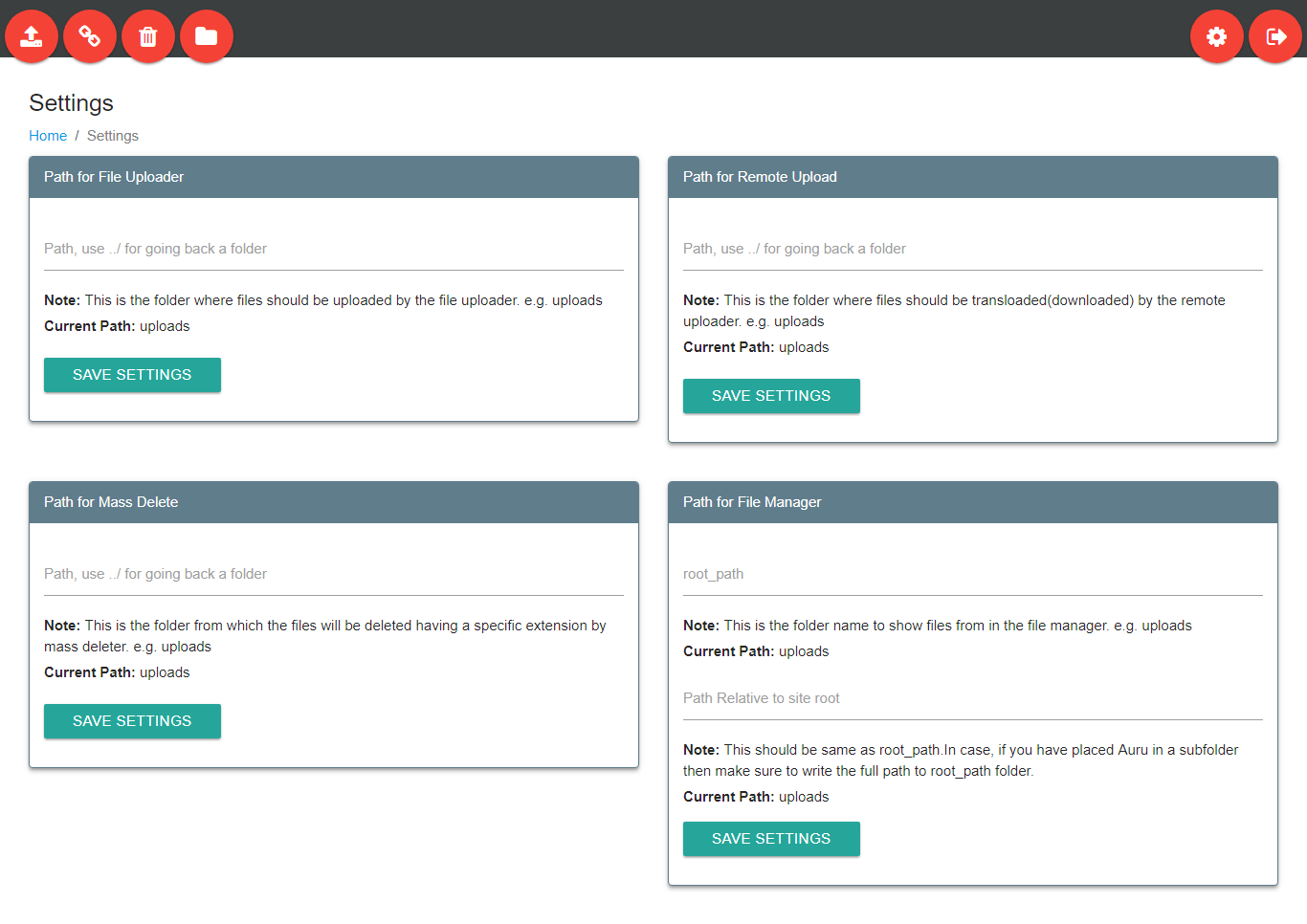
You can edit the following settings in Auru:(for further settings see below)
Auru Multiple Ajax Uploader allows you to upload files to server ,smoothly.
★ Configuration :
1. Go to config folder and edit File Upload Section of config.php
	$('#uploader_div').ajaxupload({
// url to upload.php file,required
	url:'upload.php',

// file drag & drop allow,required
	dropArea: '#drop_here',

// files upload path,must end with a trailing slash '/'
	remotePath:'uploads/',

// No. of maximum files to be selected for upload
	maxFiles: 9999,

// maximum file size for upload,use 'G' for GB and 'M' for MB
	maxFileSize:'100G',

// For uploading an entire folder contants to server,works on google chrome only,set to true/false to enable/disable
	uploadDir: false ,

// Remove file(s) from selected list after upload completes, set to true/false to enable/disable
	removeOnSuccess:false ,

// Upload file(s) to the server in chunks(parts) ,default is 1000 (kilobytes) ,remove '//' to allow this functions
// 100000=100MB chunks ,use 0 to upload file(s) as a whole
	// chunkSize:100000,

// allow desired file extensions to be uploaded ,write like this ['jpg', 'png', ' '] ,currently allows all extensions
	allowExt:[],

// autostart file(s) upload after selecting file(s) ,set to true/false to enable/disable
    autoStart:false
});
Auru Remote Uploader allows you to upload files from URL to server ,using Max speed of server fastly & smoothly.
★ Configuration :
1. Go to config folder and edit Remote Upload Section of config.php
// path where downloaded remote files are saved  "with no slash"
define("DownloadFolder", "uploads");

// downloaded timeout "set to 0 so that we do not time out on big files"
define("TimeLimit", 0);

// file size limit use M for "MB" and G for "GB"
define("MemoryLimit", "100G");
Auru has A Powerfull File Manager to explore folders and files allowing delete,rename,copy/move files,zip archieve.etc.
★ Configuration :
1. Go to config folder and edit fm.config.php
// Select language ('en' for english, 'ru' for russian, 'fr' for french)
$lang = 'en';
// Show or hide files and folders that starts with a dot
$show_hidden_files = true;

// Enable highlight.js (https://highlightjs.org/) on view's page
$use_highlightjs = false;

// highlight.js style
$highlightjs_style = 'vs';

// Default timezone for date() and time() - http://php.net/manual/en/timezones.php
$default_timezone = 'Europe/Minsk'; // UTC+3

// Root path for file manager
$root_path = 'uploads';       // you can also use $_SERVER['DOCUMENT_ROOT']; to set root path to root domain in which this script is placed
                              /* if you want this file manager to show files other than your website root for e.g: your script is placed in "https://www.yourwebsite.com/"
 							     and your want to SHOW files in a 'subfolder called auru' like this "https://www.yourwebsite.com/auru" then write only subfolder name
								 in the $root_path = 'auru';         */

// This is the url that file manager uses to OPEN files
// This should be same as &root_path
// If you have placed the script in a "subfolder called auru" of a website for e.g. "https://www.yourwebsite.com/auru" then you need to write like this "auru/uploads"
// Something like this "subfolder name/the $root_path"
$root_url = '4/uploads';

// Server hostname. Can set manually if wrong
$http_host = $_SERVER['HTTP_HOST'];

// input encoding for iconv
$iconv_input_encoding = 'CP1251';